The self-custody wallet for Pearl
Every pearl
needs an oyster.
Store, send, trade and mine PRL from one beautiful browser extension. Your keys never leave your device.
100%
Self-custody. Your keys, your PRL
0
Private keys stored on our servers
BIP-86
Taproot addresses by default
24/7
PRL markets via SafeTrade
Self-custody
Keep your pearls safe.
Oyster generates and encrypts your keys on your own device. Nobody else can move your PRL. Not us, not an exchange, not anyone.
- Keys encrypted locally with your password
- Standard 24-word recovery phrase
- Multiple wallets, one extension
Trade
Trade PRL without leaving your wallet.
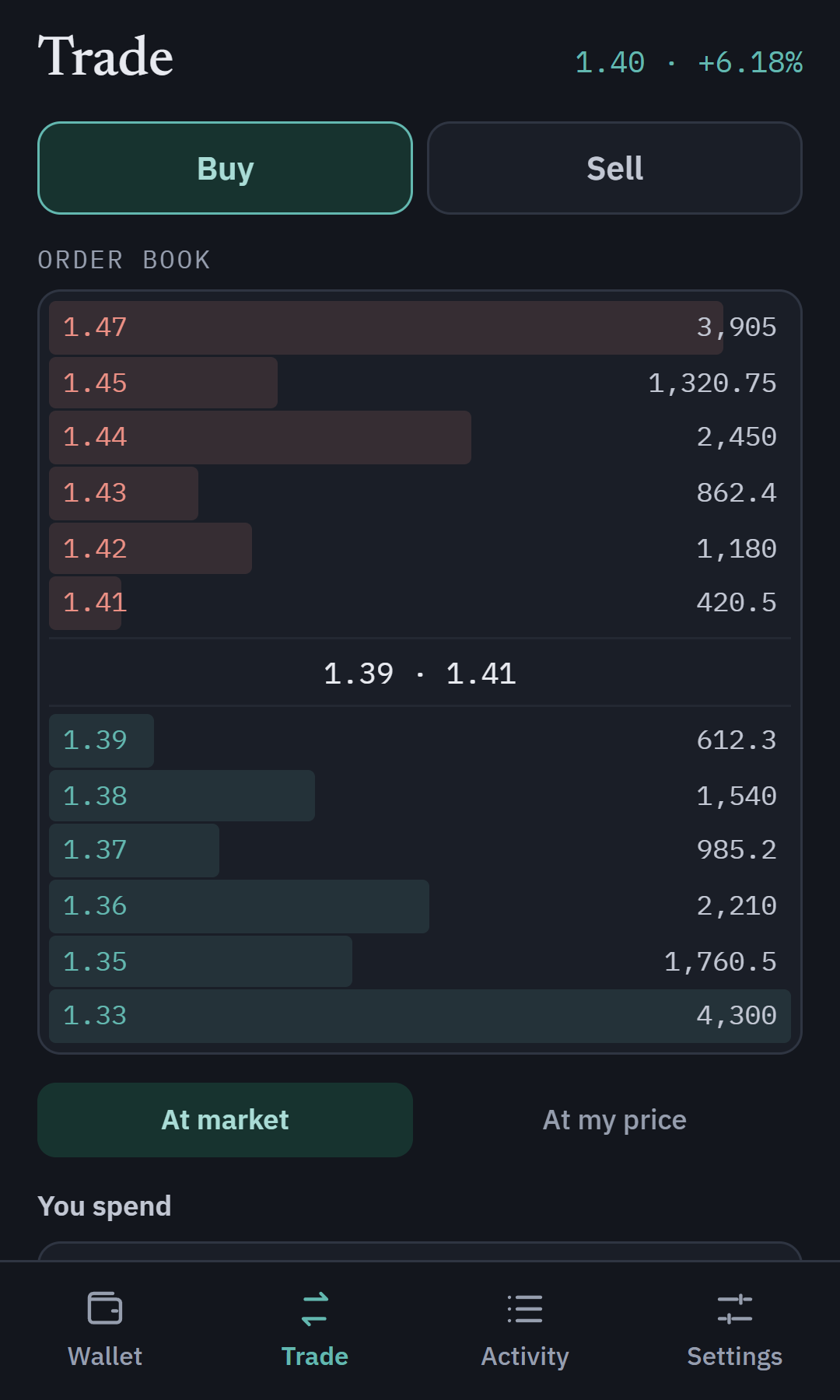
Live PRL/USDT order book powered by SafeTrade, right inside Oyster. Buy at market or at your own price, and keep USDT buying power ready to go.
- Live PRL/USDT order book
- At market or at your price
- USDT buying power, top up any time
Mining
Mine, earn, and cash out on autopilot.
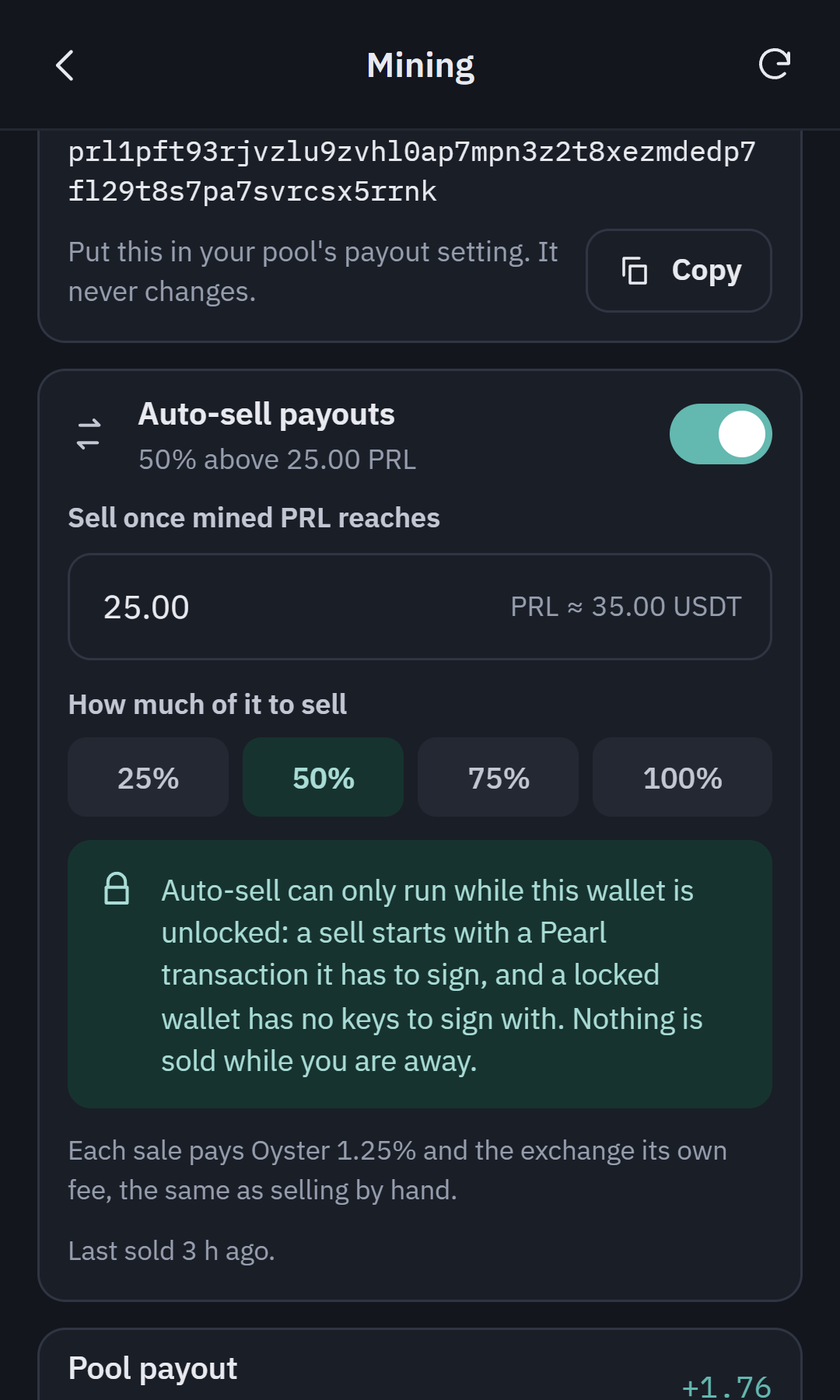
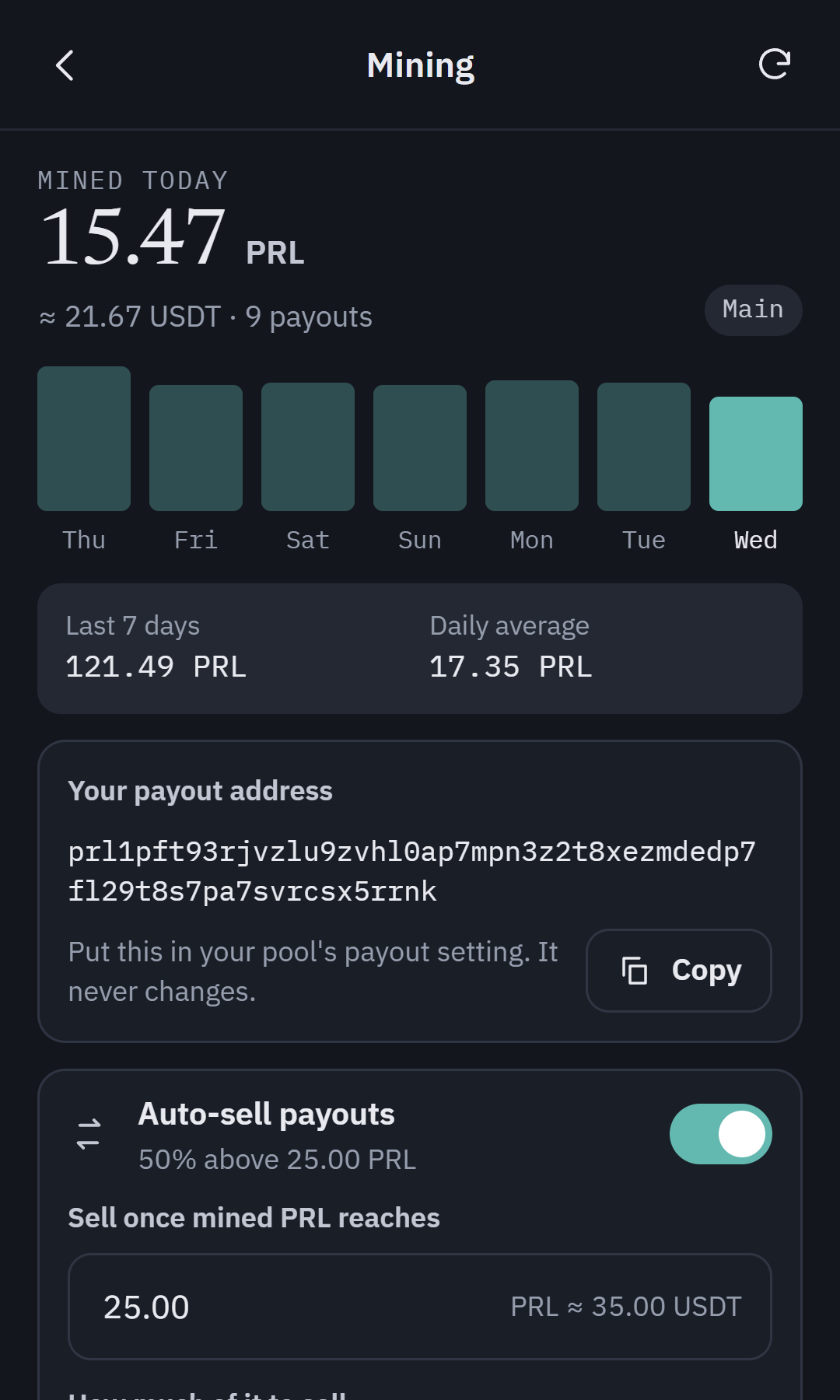
Point your pool at your Oyster payout address and watch payouts land. Turn on auto-sell and Oyster sells a share of what you mine once it passes your threshold.
- Daily and 7-day payout totals
- Auto-sell 25 to 100% above a threshold
- Full history, exportable to CSV
Everything you need. Nothing you don't.
Send in seconds
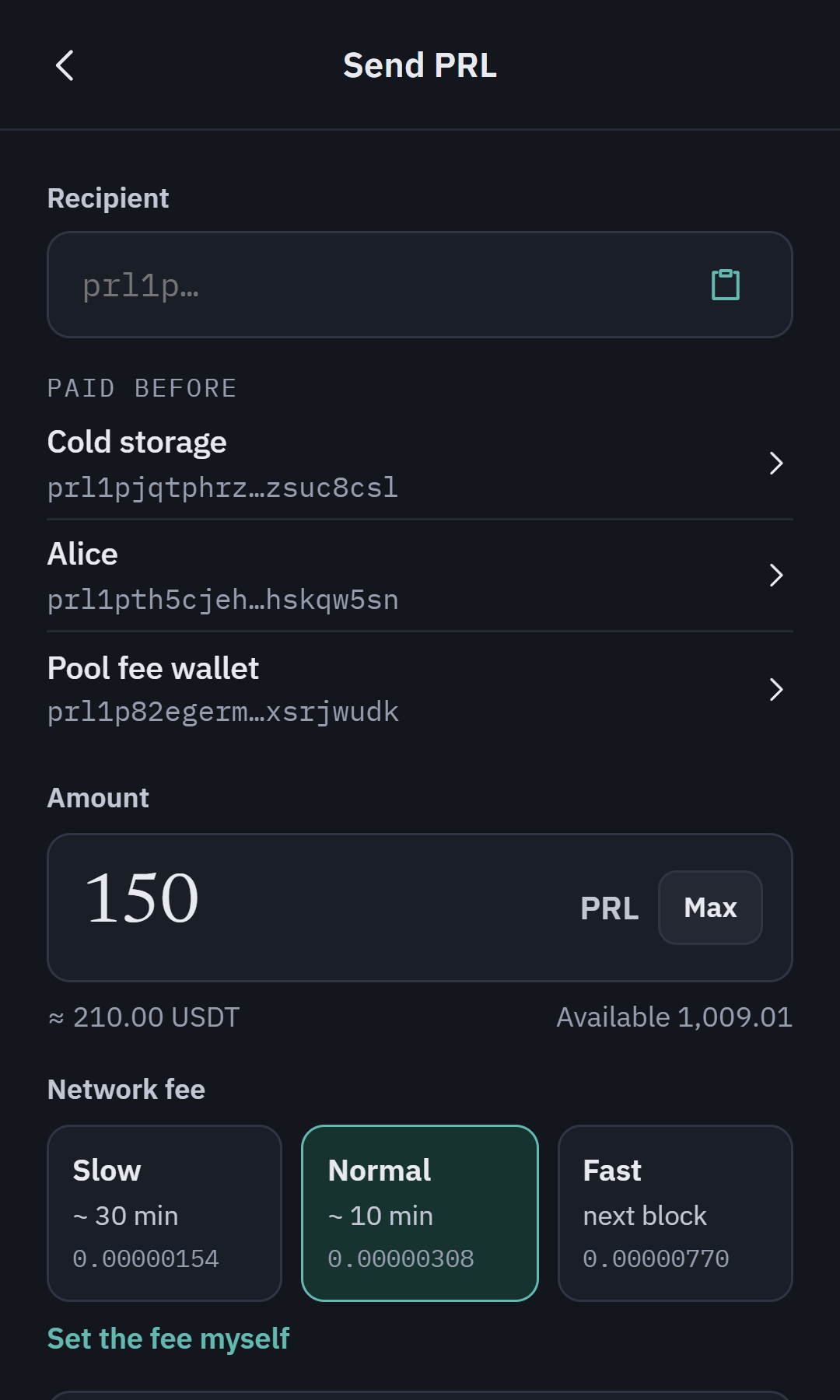
Pay anyone with a PRL address. Clear fees, no surprises.
Multiple wallets
Keep savings, mining and trading funds in separate wallets.
Connect to sites
Approve dapp connections and signatures with one click.
Buy with cash
Top up your balance and start trading straight away.
How it works
From setup to payout.
01
Create it
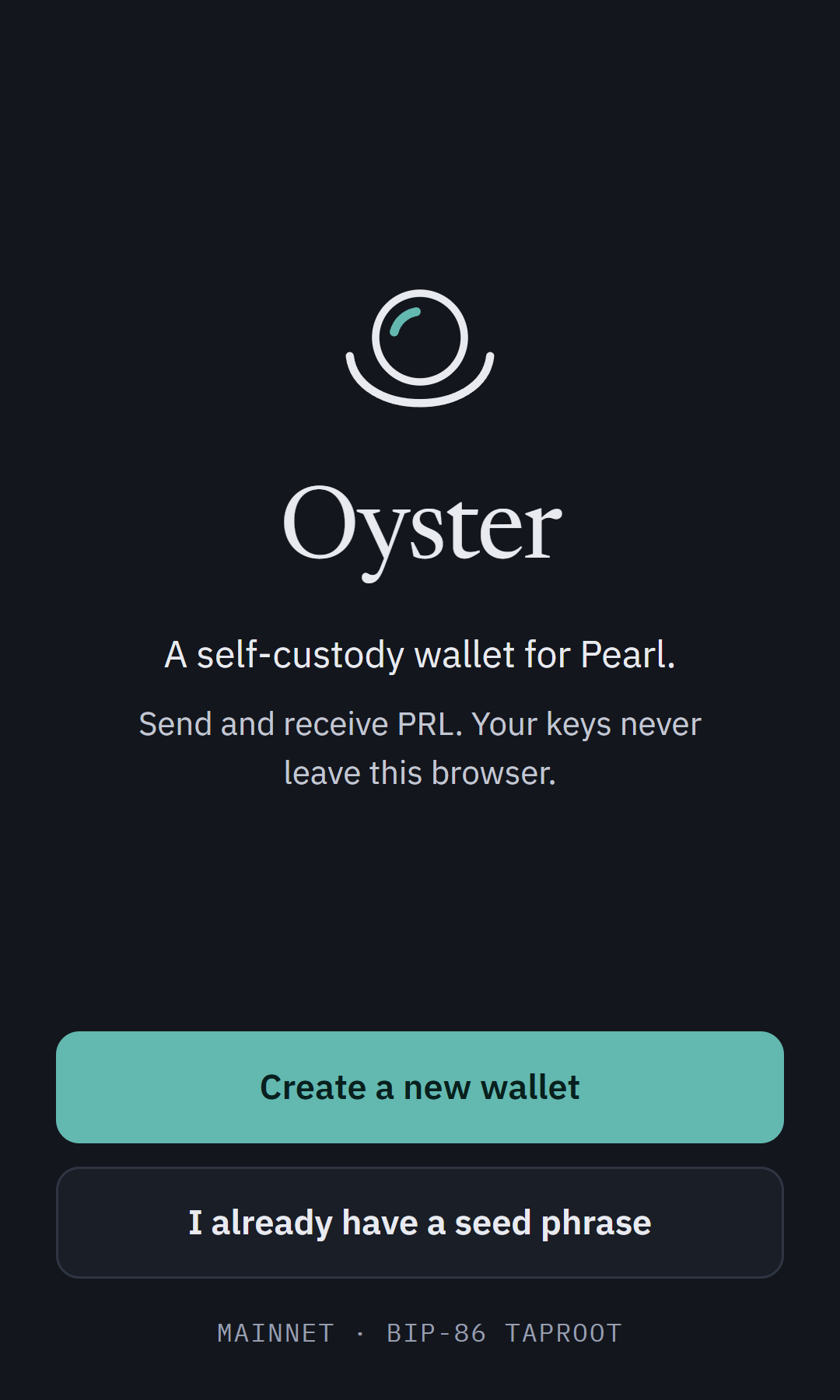
Create a wallet or restore one from your seed phrase.
02
Fund it
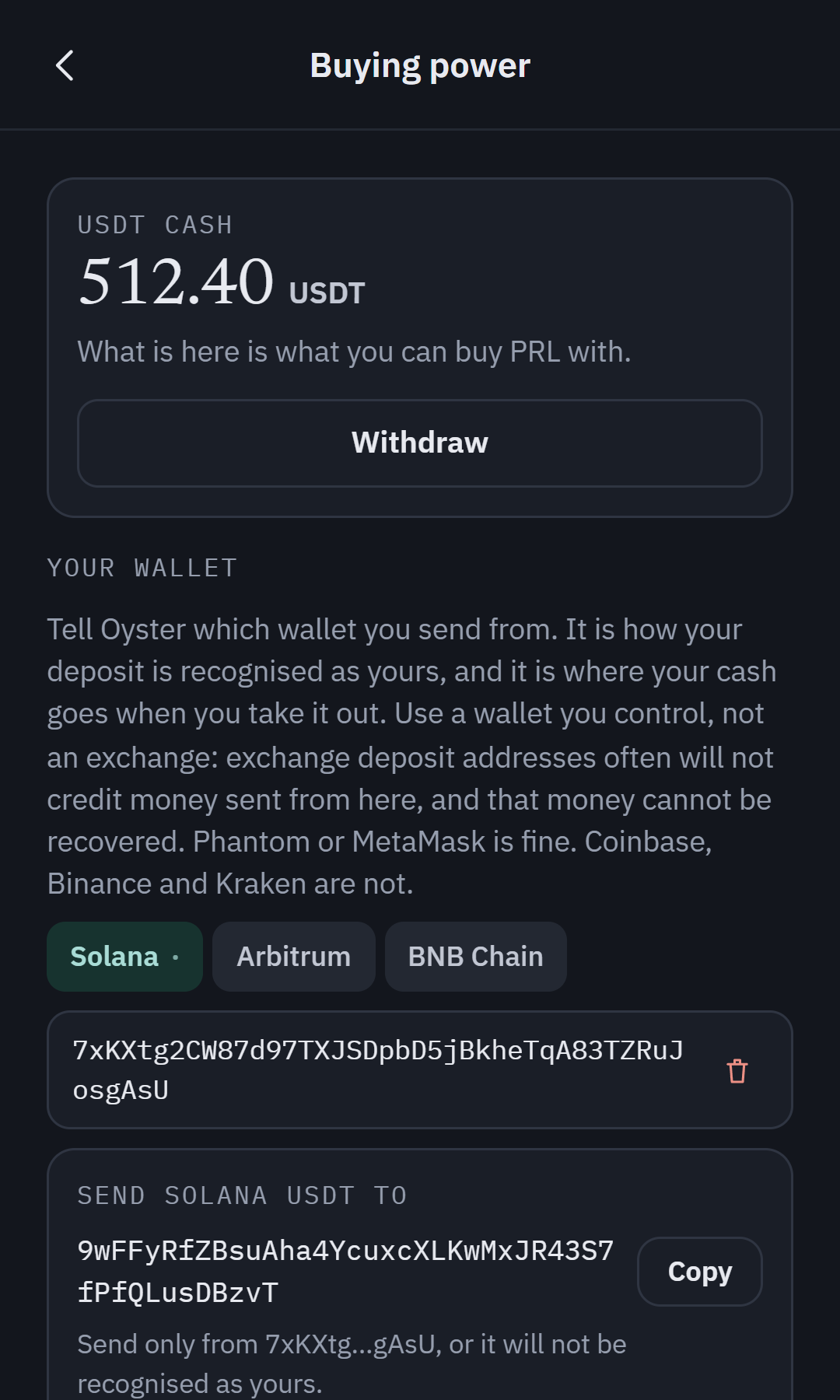
Deposit USDT from Solana, Arbitrum or BNB Chain to buy PRL.
03
Buy it
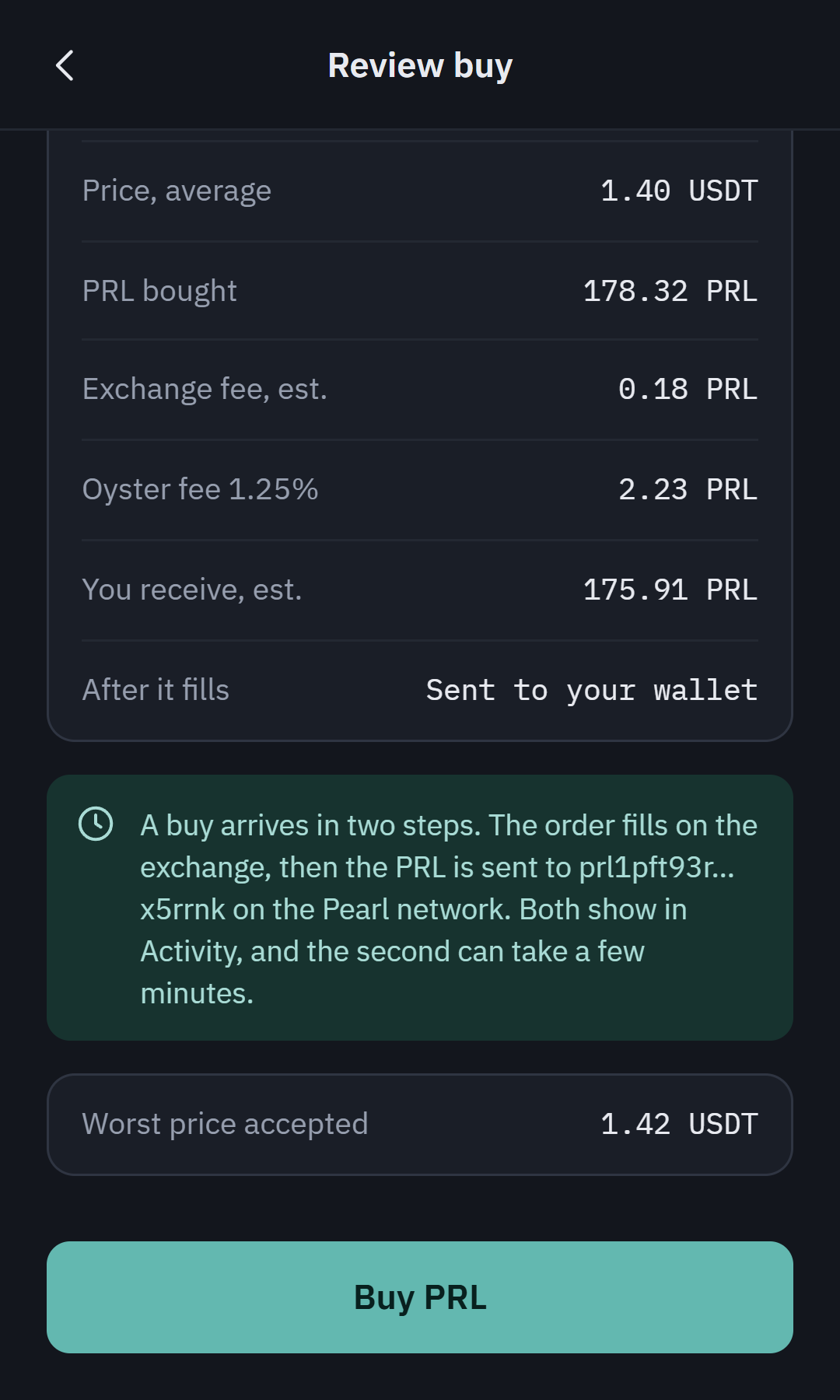
Review every fee before you buy. PRL goes straight to your wallet.
04
Mine it
Point your pool at your Oyster payout address and watch payouts add up.
05
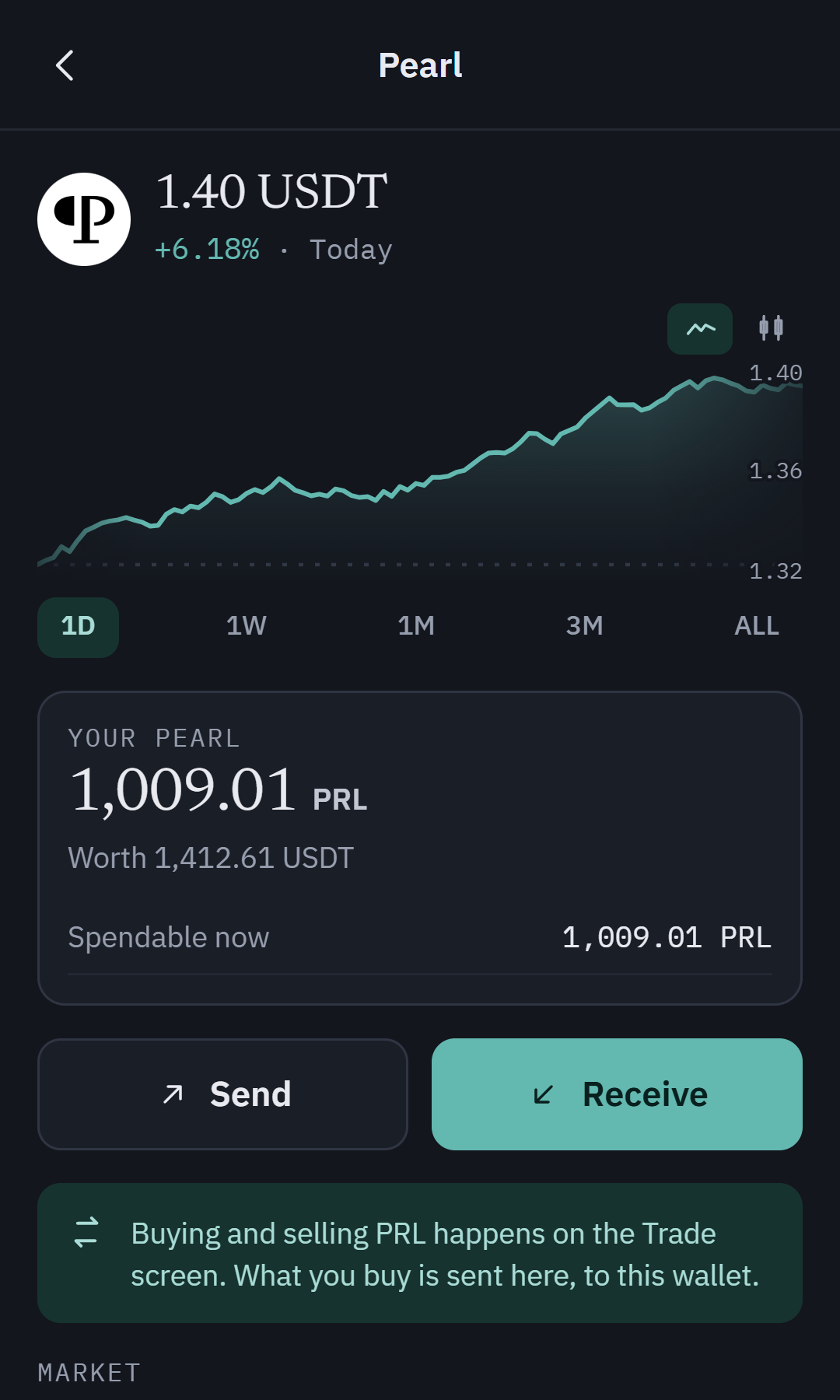
Watch it
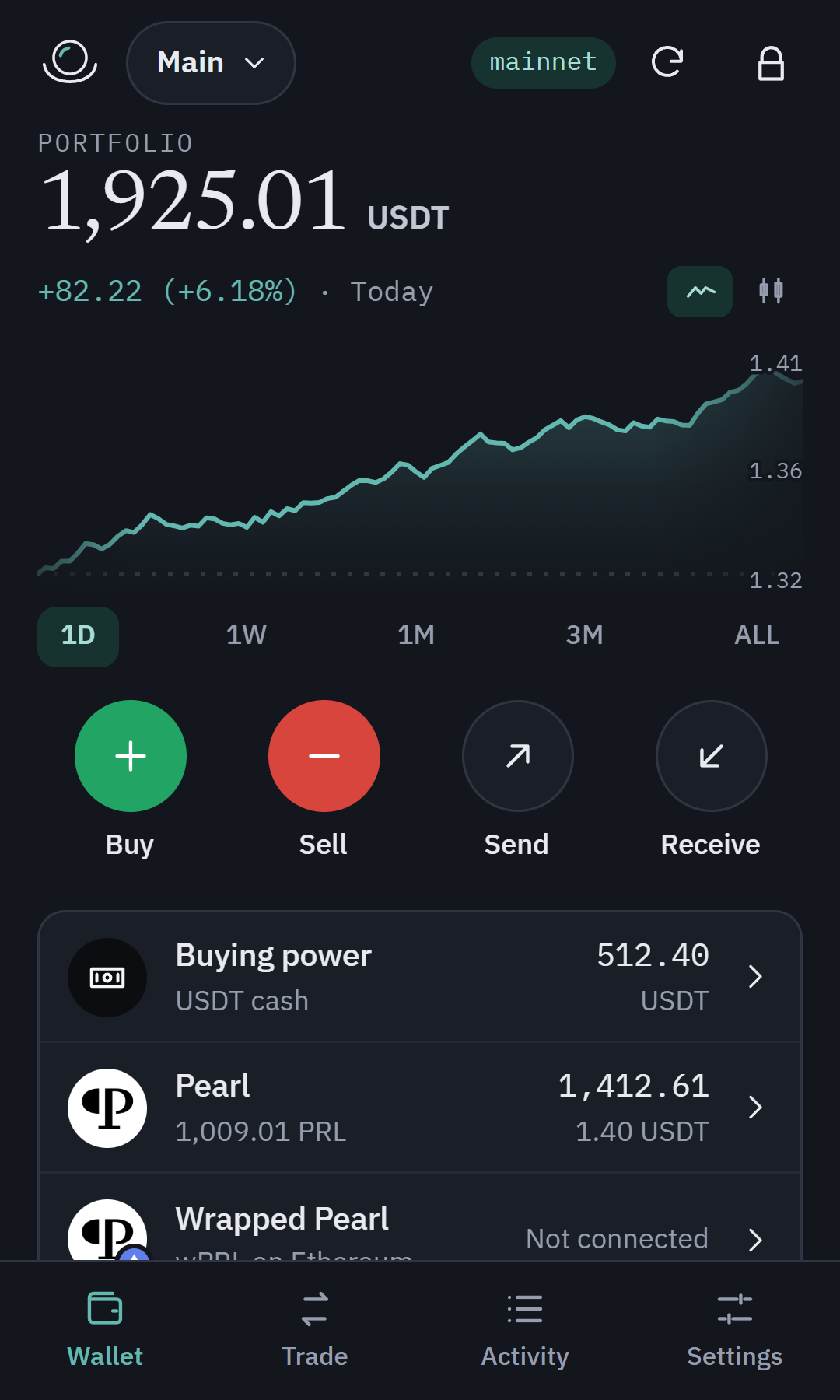
Follow the PRL price and see what your holdings are worth.
06
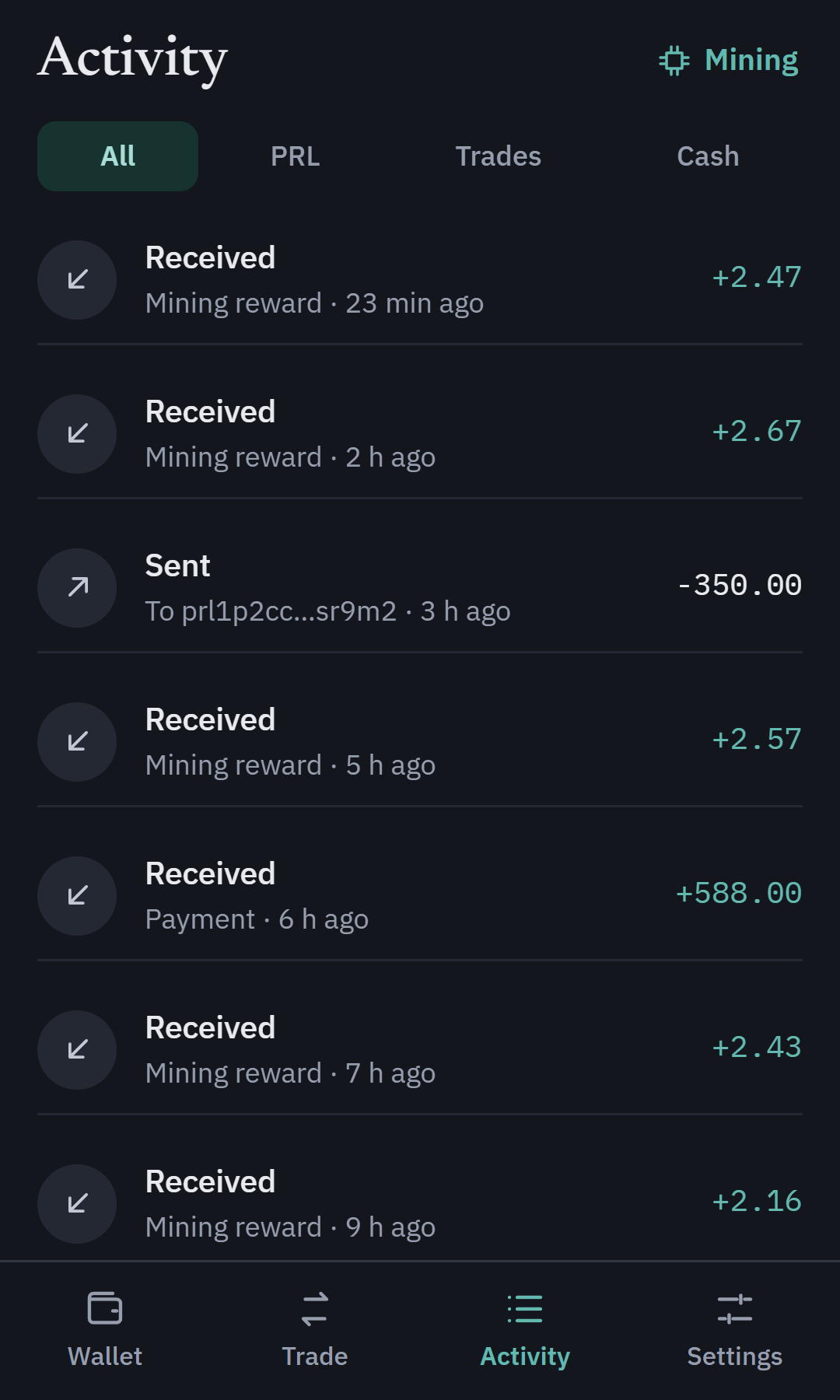
Track it
Every payout, send, receive and trade in one feed, filtered your way.
Questions, answered
Your wallet is. Your seed phrase and keys are created and encrypted on your device, and we never see them. If you use trading or buying power, Oyster holds that USDT and any PRL you keep on the exchange for you.
Your recovery phrase is the only way to restore your wallet on a new device. We cannot recover it for you, so write it down and keep it somewhere safe and offline.
Oyster uses Pearl's standard BIP-86 Taproot derivation, so your wallet is compatible with the official Pearl tooling and can be restored anywhere that supports it.
Trading runs on the SafeTrade exchange. Oyster places your orders there and sends bought PRL straight to your wallet, so you can trade PRL without leaving it.
Oyster launches on Chrome and Chromium-based browsers like Brave and Edge. More browsers and a mobile app are on the roadmap.
The wallet is free. You pay the Pearl network fee when you send. Trades carry a 1.25% Oyster fee plus the exchange's own fee.
Open your Oyster.
Set up your Pearl wallet in under a minute. Free, self-custody, and built for PRL.
Add to Chrome. It's free